See it in action
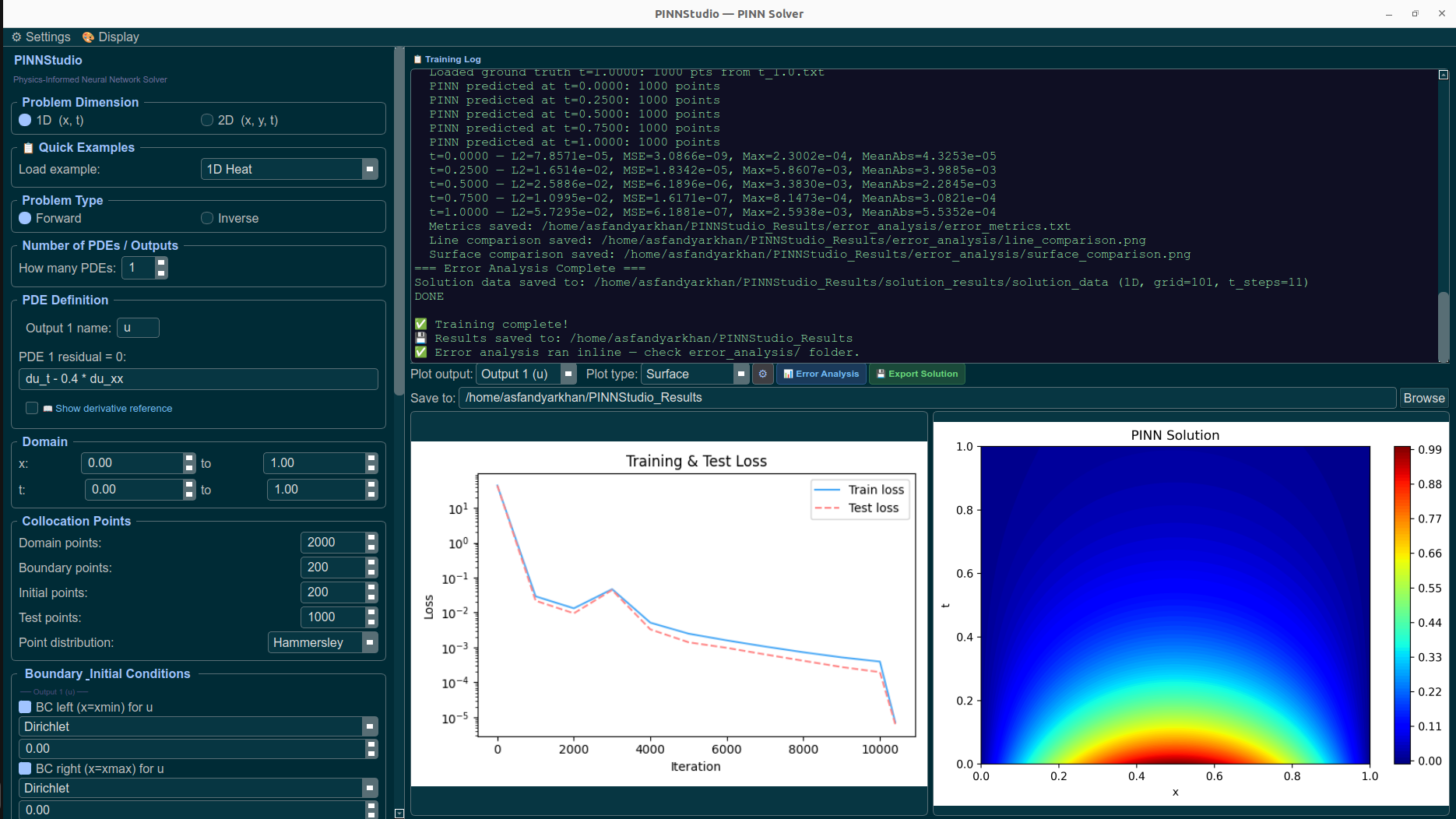
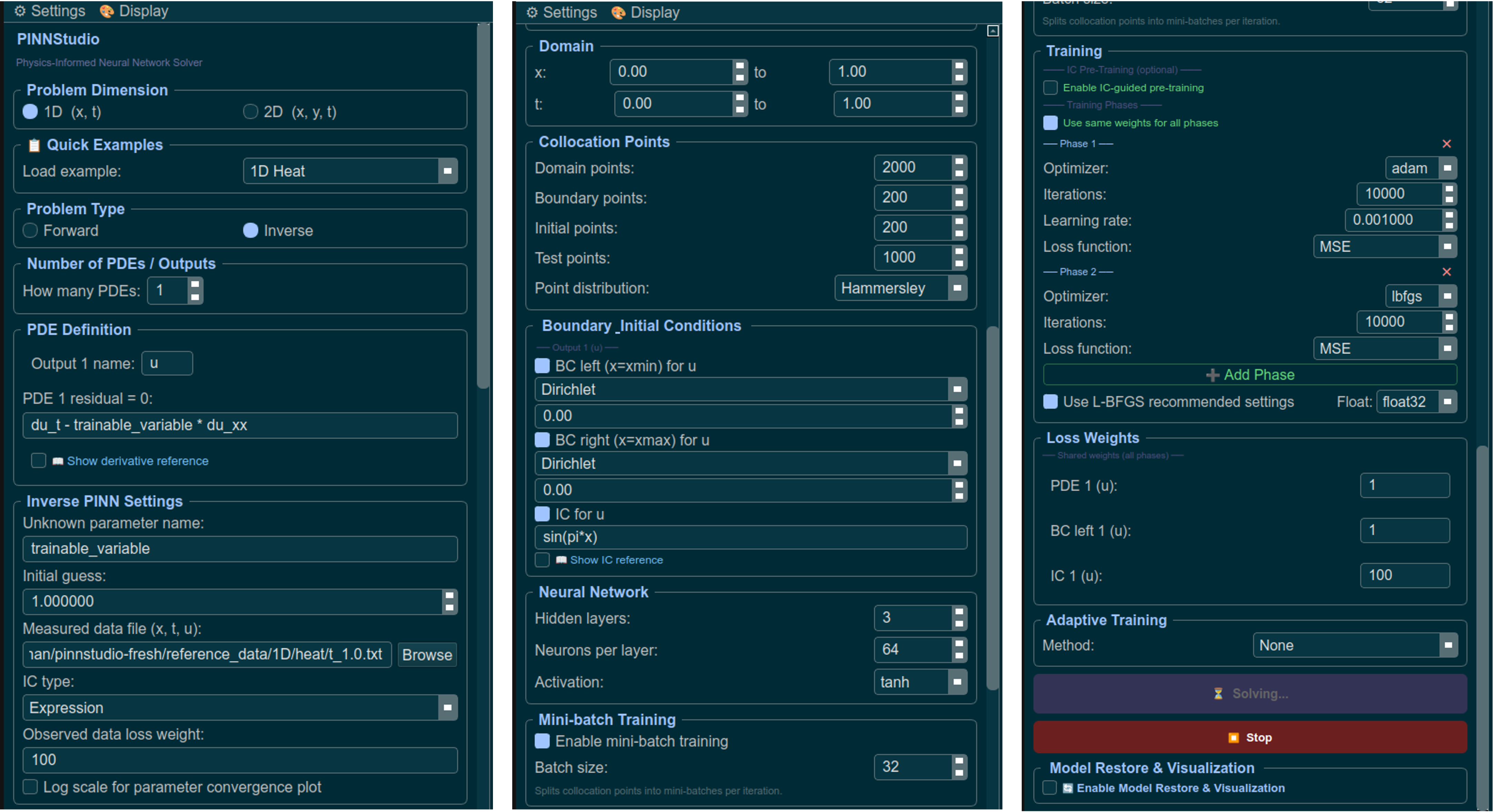
Problem setup, training controls, and live visualization, all in one window.
A no-code desktop GUI for building, training, and visualizing Physics-Informed Neural Networks — built on DeepXDE.
pip install pinnstudio
Setting up a PINN usually means writing a new DeepXDE script for every problem — defining the PDE residual, wiring up boundary and initial conditions, picking collocation points, and writing your own plotting code afterward. PINNStudio replaces that with a form: describe your problem through the interface, and it generates a standalone DeepXDE/PyTorch script, runs it, and streams the training log, loss curves, and solution plots back into the app.
Problem setup, training controls, and live visualization, all in one window.
Solve a known PDE, or estimate unknown PDE parameters from observation data.
Including coupled, multi-output PDE systems in space and time.
Heat, Allen-Cahn, and Cahn-Hilliard equations ready to run in seconds.
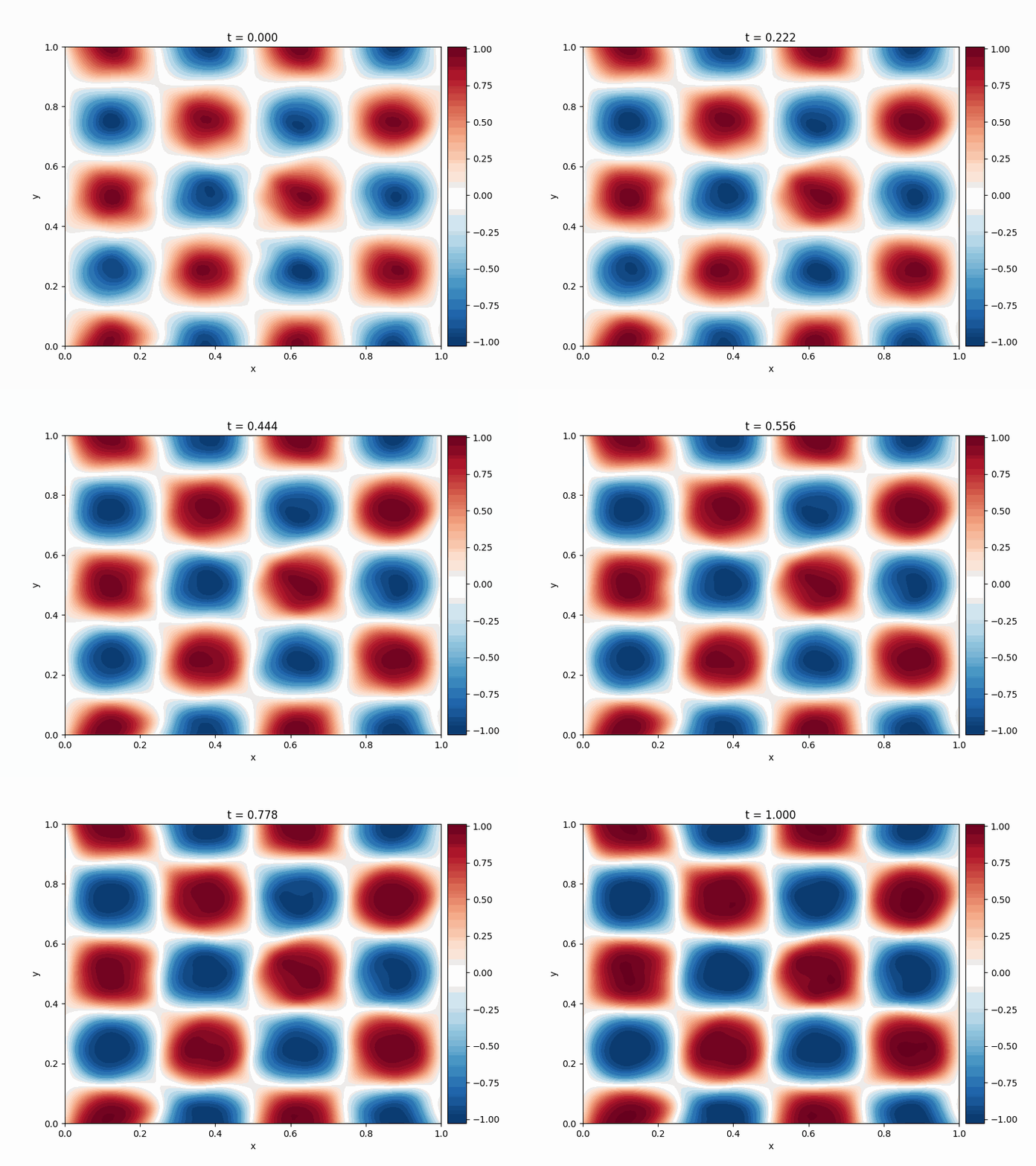
Streaming training log, loss curves, and solution plots as the model trains.
Automatically detects your NVIDIA GPU and installs a compatible PyTorch build.
Runs on top of the well-established DeepXDE library, with PyTorch under the hood.
Two ways to get started, depending on what you need.
Fastest way to try it, on any OS. Skips automatic GPU-driver matching.
pip install pinnstudio
pinnstudioCreates an isolated environment and installs a PyTorch build matched to your GPU automatically.
git clone https://github.com/AsfandyarKhan72/PINNStudio.git
cd PINNStudio
bash install.sh        # or install.bat on Windows
./venv/bin/pinnstudio   # or .\venv\Scripts\pinnstudio.exe